

Download the Best Mozilla Firefox VPN Extension
Windscribe VPN's Firefox Extension helps you mask your physical location, circumvent censorship, and block ads and trackers. No credit card needed.
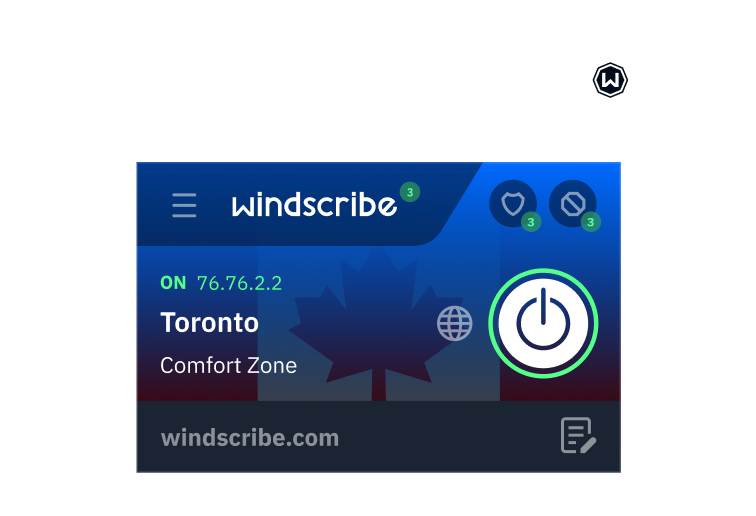
How to set up the Windscribe VPN Extension on Firefox
1
Get the Extension
2
Sign up
Tap “Sign up” or “Login” if you already have account.
3
Connect
Tap on the BIG Power button for instant privacy.
How to Use Windscribe on Firefox
Features
Windscribe’s VPN for Firefox Offers Secure and Private Web Browsing

Advanced Privacy
Take back control of your privacy.
Governments block content based on your location and corporations track and sell your personal data.
Windscribe is not just a proxy extension. It's a suite of privacy tools that help you avoid all of that.
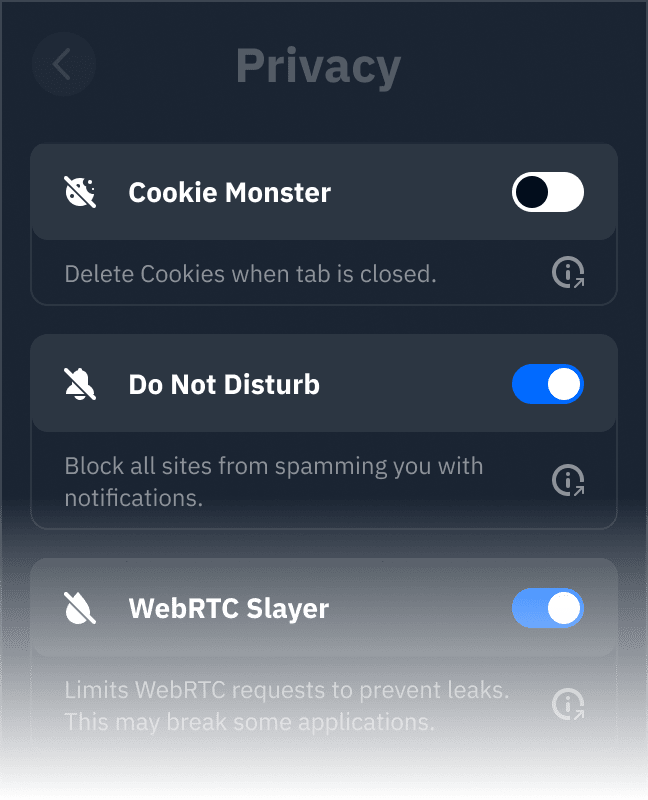
Cookie Monster
This feature deletes 1st or 3rd party cookies when you close the tab.
Do Not Disturb
Tired for sites asking you to send notifications? Make them go away with this feature.
WebRTC Slayer
Prevents WebRTC leaks that plague most proxy extensions and VPNs.
Location Warp
Sites can request your GPS location which bypasses most proxies and VPNs. Not with Windscribe.
Time Warp
Sites can detect that your IP doesn't match your browser's time zone. This feature solves this problem.
Language Warp
Sets your language and locale settings to match the connected proxy.
Split Personality
Randomly rotates your user agent to combat browser fingerprinting.
Workers Block
Blocks web workers from running in the background.

Advanced Blocking
Stop stalking and speed up browsing
Most VPNs will do virtually nothing for your privacy. The Windscribe Extension blocks ads and trackers that follow you online. This will result in pages loading faster.
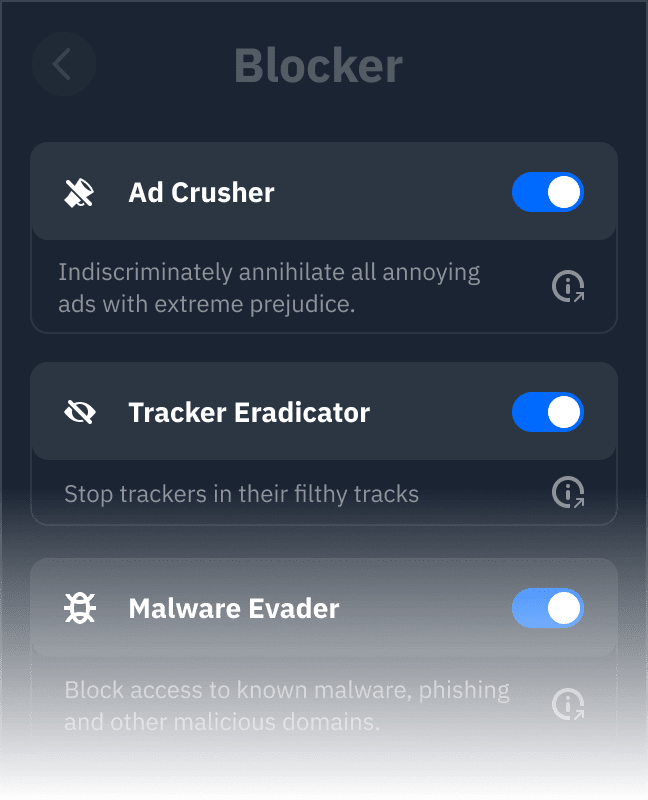
Ad Crusher
Indiscriminately annihilate all annoying ads with extreme prejudice.
Tracker Eradicator
Stop trackers that sell your data in their filthy tracks.
Malware Evader
Block access to known malware, phishing and other malicious domains.
Social Distancing
Social networks are the biggest privacy invaders out there. Block their trackers.
Cookie Go Away
Blocks annoying “We use cookies” banners on all websites.
Advanced Mode
Manage all blocklists through the native uBlock interface.

Unparalleled Connectivity
Stay protected no matter what happens.
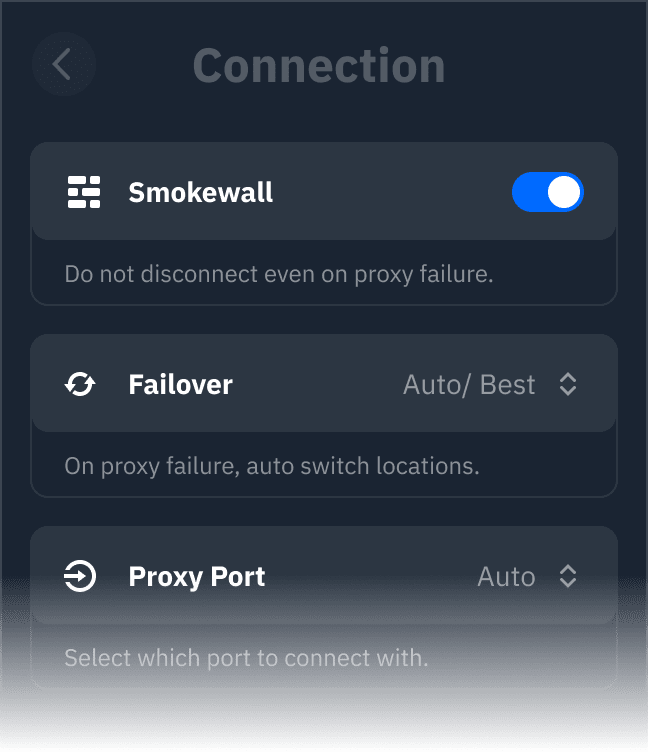
Windscribe offers 6 different protocols to choose from, along with over 20 different connection ports.
Other Features

Unlock Content

Strict No-Logging Policy

Custom whitelisting

Servers in over 69 Countries & 135 Cities
Loved & Trusted by Over 100 Million Users
Frequently Asked Questions
What is a Firefox VPN Extension?


Your browser, internet provider, and (sometimes) bad actors, can see your IP address and browsing history. A VPN is one of many cybersecurity tools that helps improve your security and privacy while online.
Why do I need a VPN Extension for Firefox?
While using a reputable browser like Firefox can help keep your data out of the wrong hands, that alone is not enough. Using a VPN protects your privacy & anonymity online. Keep your IP address and browsing history completely private with the Windscribe VPN Firefox Extension.
Can I access blocked content with a VPN on Firefox?
That’s what it’s meant for. Use the Windscribe extension for Firefox to access the web free of censorship. Use our double hopping method with our app to take advantage of the circumvent censorship feature.
Does Firefox have a built-in VPN?
Firefox does not come with a built-in VPN extension or functionality. The easiest way to ensure your privacy online is to download the Windscribe Firefox extension.
How do I disable a VPN on Firefox?
If you want to disconnect your VPN connection on the Windscribe Firefox extension, simply click the power button on the app and ensure that the app has fully disconnected. Don’t forget, your connection will not be protected unless you also have the Windscribe app active.
Is Firefox VPN free?
No, Mozilla (Firefox’s parent company) charges $9.99 per month. Windscribe is more affordable ;)
How do I enable a VPN on Firefox?
To enable Windscribe on Firefox, make sure you download it first. Once you’ve done that, log in, and click the giant power button. The Windscribe extension will connect you to the closest and fastest server by default. You may also choose among 69+ VPN server locations you’d like to connect to.